Account information
How to find and edit your account information, including user details, shipping addresses, payment methods, and username/user ID.
You can access your account information by clicking on the user icon dropdown located at the top right of the page and the selecting setting. You can also go to directly page by visiting https://app.circuithub.com/settings.
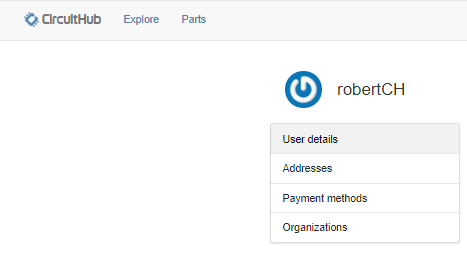
Here you can edit your user details, shipping addresses, payment methods, add a new organization and see a list of all of your projects. Please make sure to keep your email address and phone number current as we will use these if we need to contact you for any reason regarding orders you've placed.
You will find your username / user ID in 2 places.
1 - At the top of your home page will be a grey bar, and in the right corner you'll find your username. As seen in this picture:

2 - Also, if you were to go into your "Settings", you would also find your username displayed there on top of the settings window in large font. As seen in this picture: