Supplying your registered pricing
Add a custom purchasing source and price breaks for a part that has registered or negotiated supplier pricing.
If you have registered or negotiated pricing with a supplier, add that supplier as a custom source so CircuitHub can include it when quoting and purchasing the part.
- Open the project’s Parts tab and select the BOM line.
- Under the approved part, select Edit sourcing.
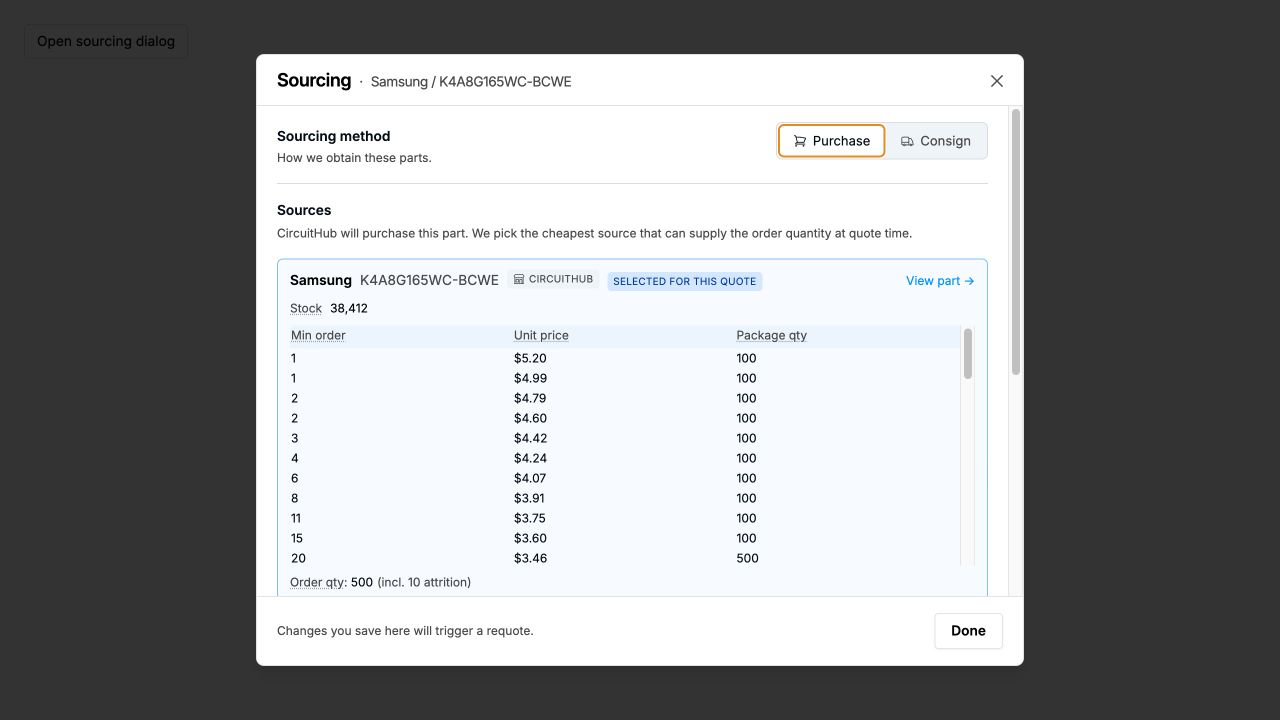
- Keep the sourcing method set to Purchase. Review the sources already available for the selected part, then select Add a source.
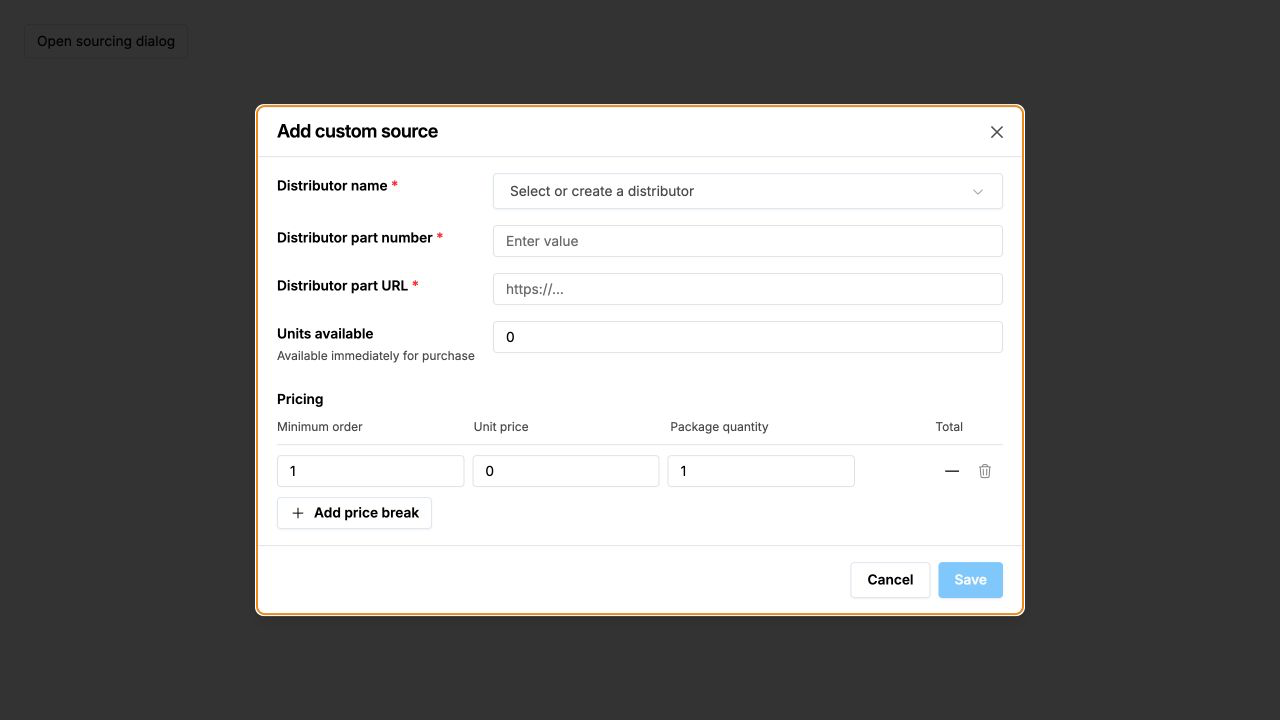
Enter the distributor name, distributor part number, distributor URL, available quantity, and the applicable price breaks. Use Add price break when the supplier has multiple quantity tiers, then select Save.
You can add more than one custom source. Saving sourcing changes triggers a requote so CircuitHub can evaluate the updated stock and pricing.
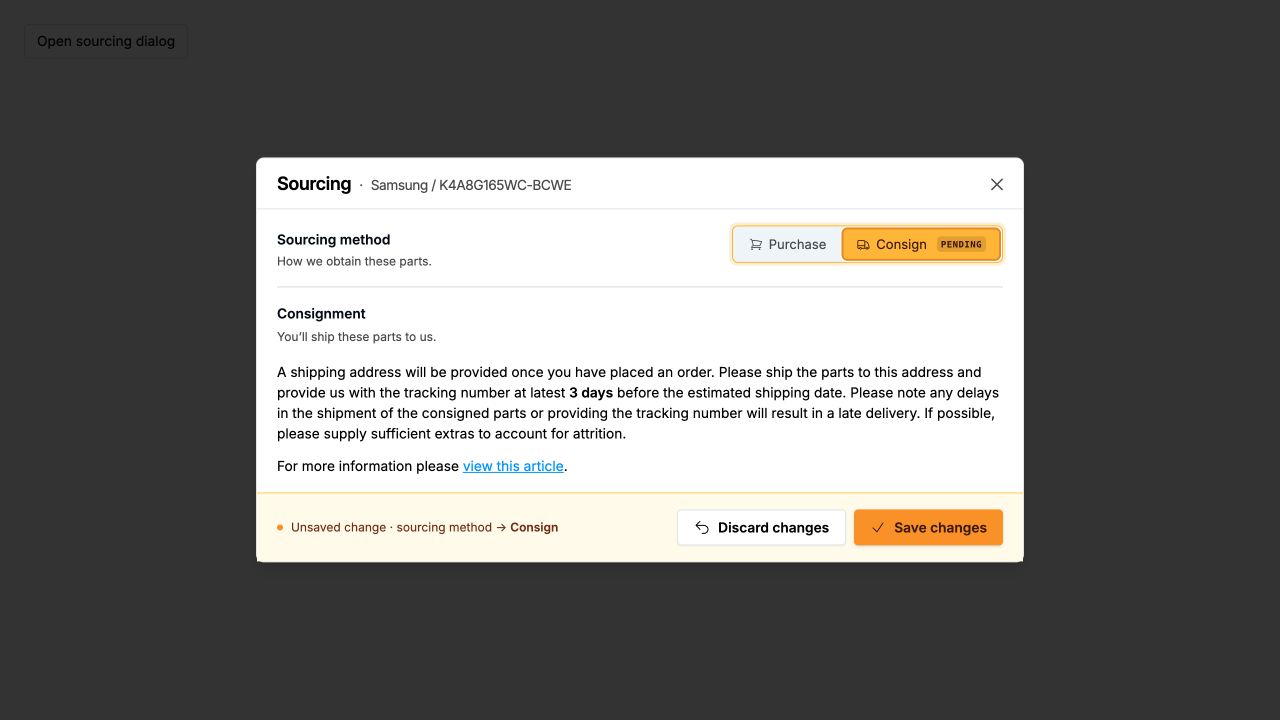
If you intend to supply the parts yourself instead, switch the sourcing method to Consign and select Save changes. A shipping address is provided after you place the order.