

Quickstart
This guide gets you from your EDA files to a live PCB assembly quote and your first CircuitHub order.
Upload your design files
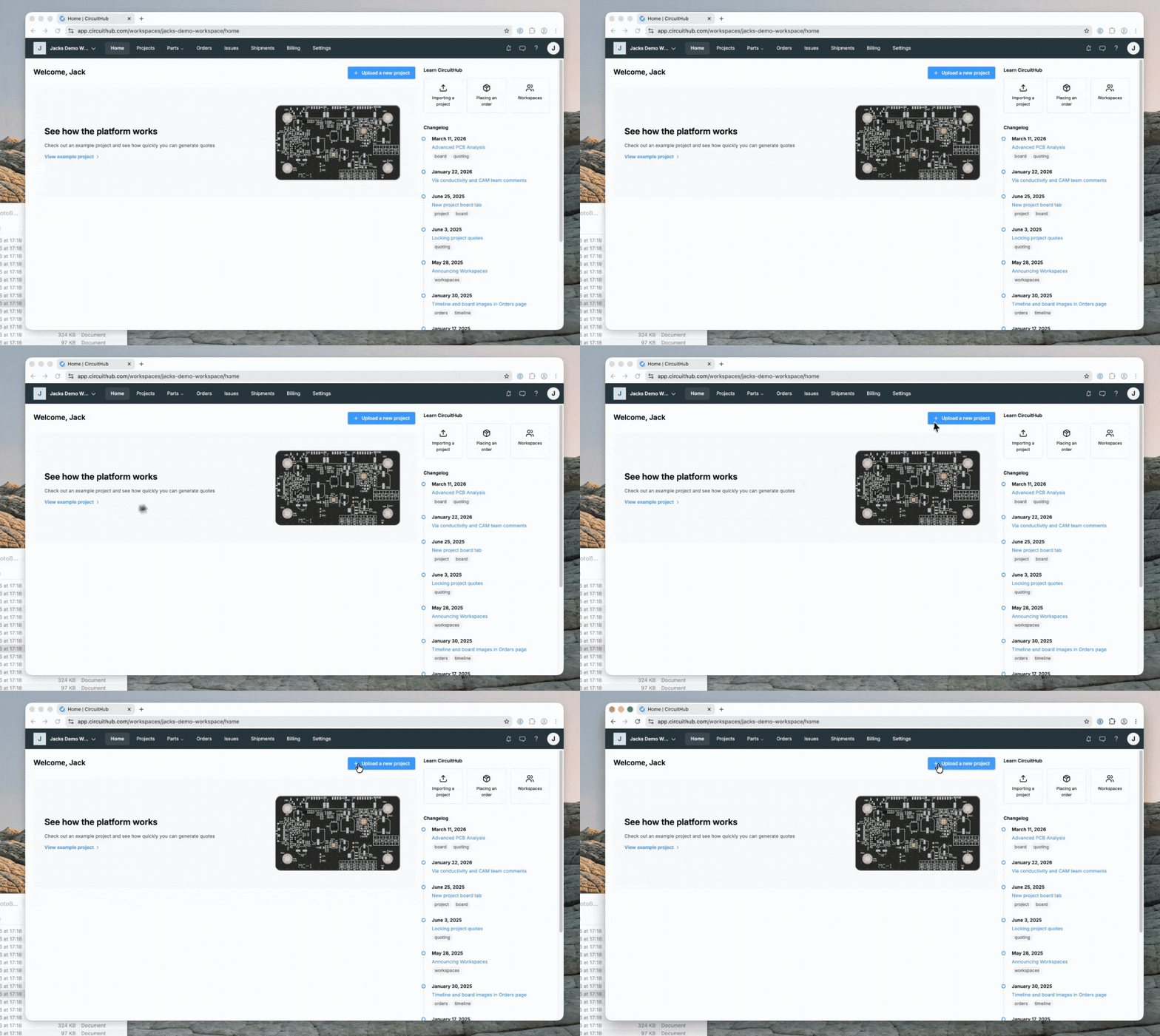
Open the project uploader, or choose New project from the Projects area of your dashboard.
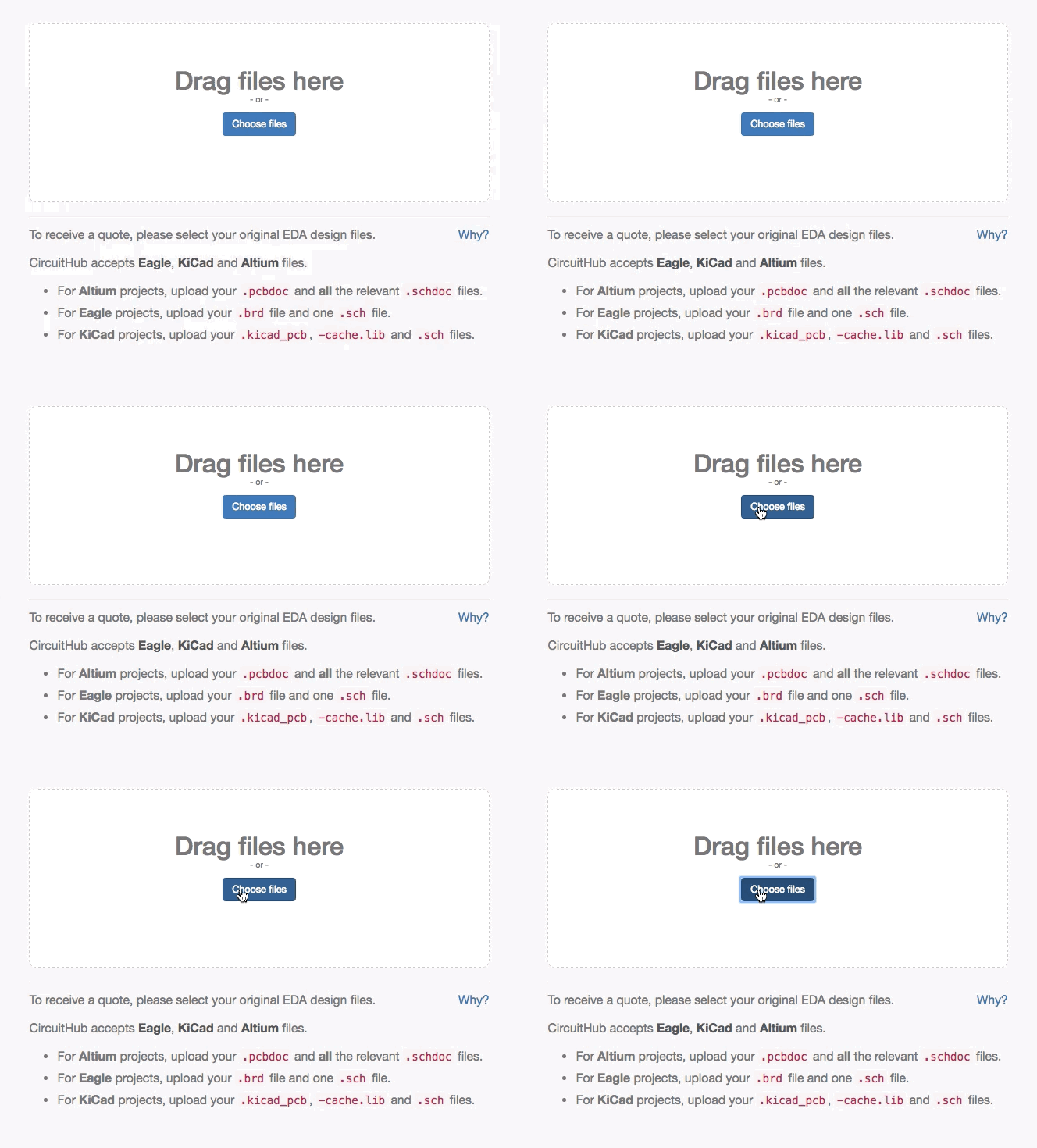
Upload the original schematic and board files from your EDA tool, or upload an IPC-2581 export. Gerber files alone cannot be used to create a project; Fusion 360 users upload them together with EAGLE-compatible board and schematic files, as described in the Fusion 360 import guide.
See Files required for import if you are unsure what to upload.
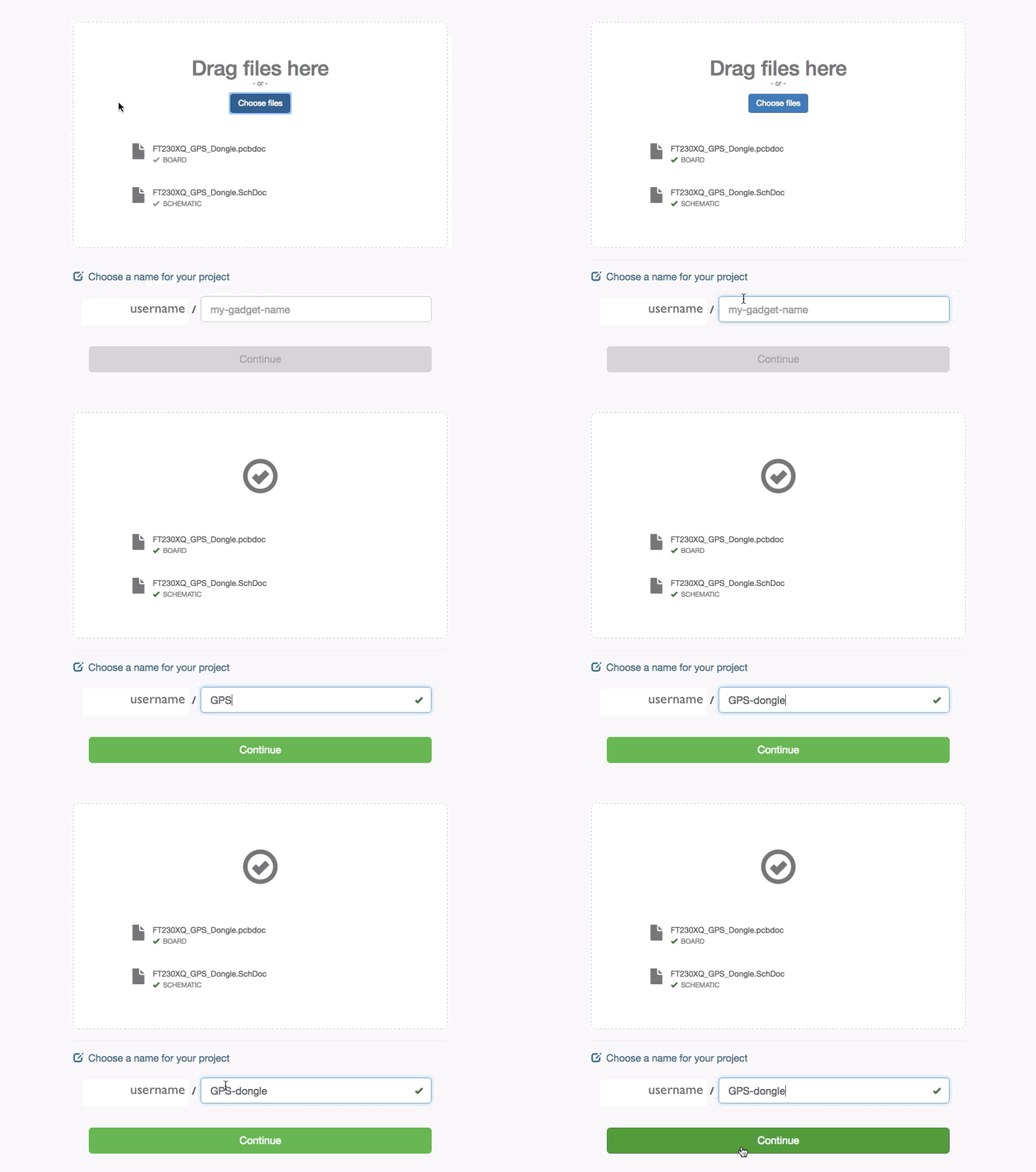
Name your project, then select Continue.
Import your project
After you select Continue, wait for your project to import. This normally takes a few minutes.
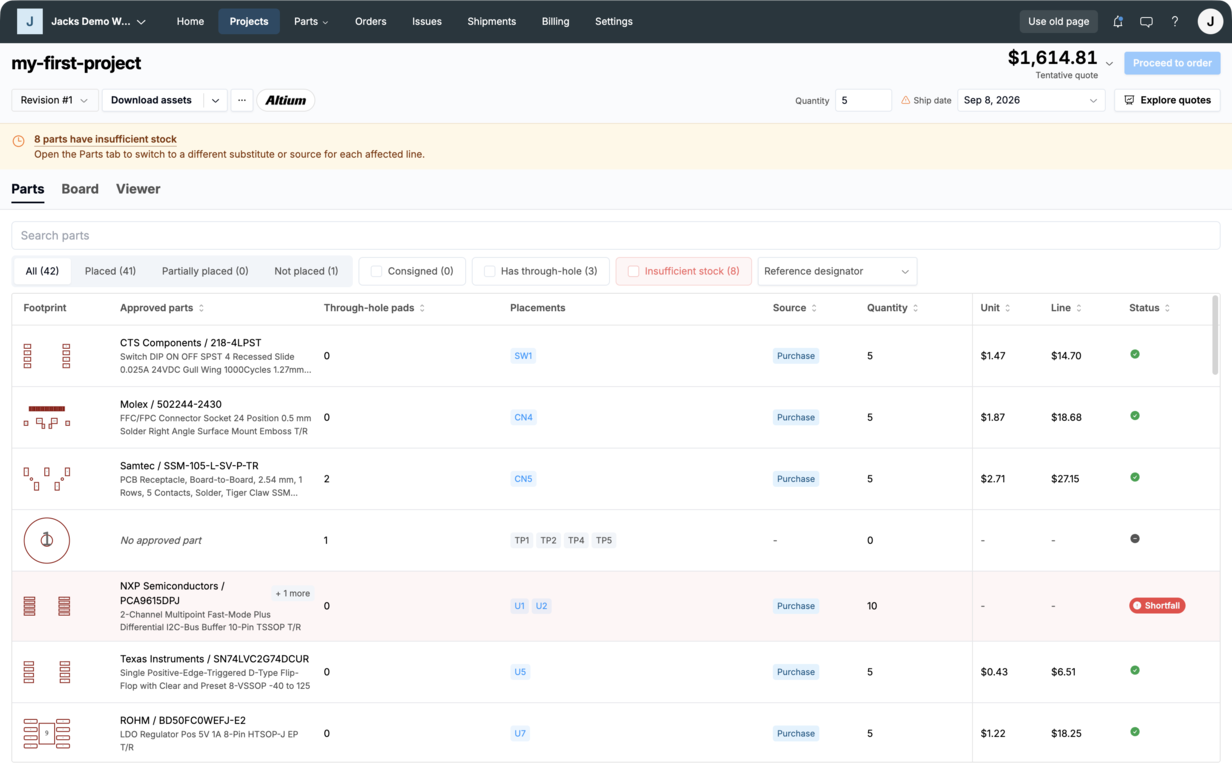
When the project opens:
- Check the board outline, layers, holes, and component placements in the board viewer.
- Open the Board tab and confirm the thickness, copper weight, material, finish, and any custom requirements.
- Check that the imported component references match the intended population.
Changes in the Board tab override values detected from your design files.
If the import does not complete, see My project is stuck importing. For a detailed board review, see the Board overview.
Reconcile your BOM
Open each BOM line that needs attention and approve the exact manufacturer part number you want to use. Review the lines matched automatically before ordering as well.
Before moving on:
- mark references that should not be populated as Do Not Place (DNP)
- choose whether CircuitHub should purchase each part or whether you will consign it
- add substitutes for parts with limited availability
- check the package, value, electrical specifications, and manufacturer part number
When every BOM line is resolved, your live quote is ready. See the BOM and parts overview if you need help.
Review your quote and place your order
Enter the number of assembled boards you need and choose a ship date. The price updates as you compare quantity and lead-time options.
If you only need a quote, you can stop here.
To order, select Proceed to order. Review the design shown on the confirmation screen, select I've reviewed and approved the design above, then select Confirm & continue.
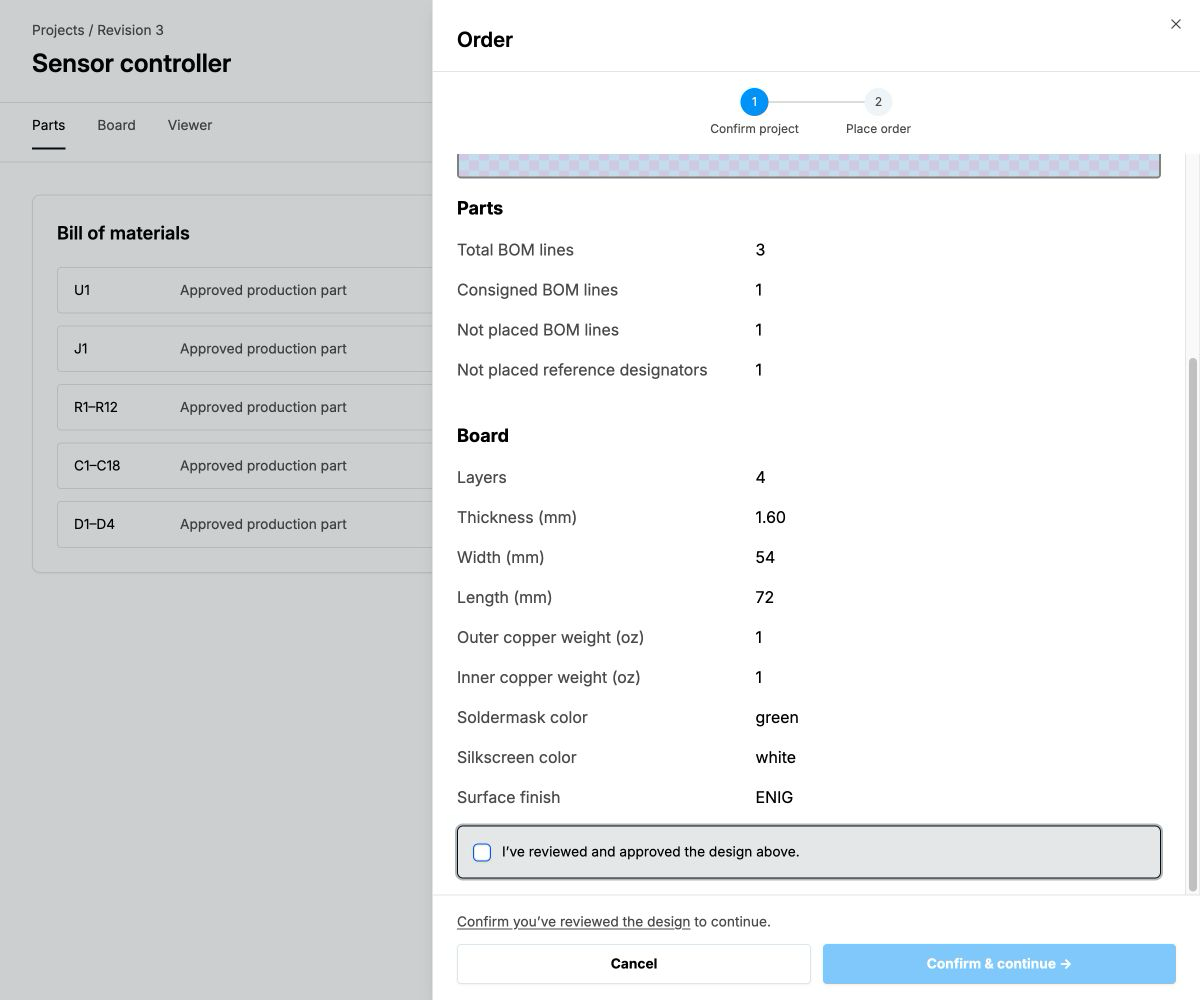
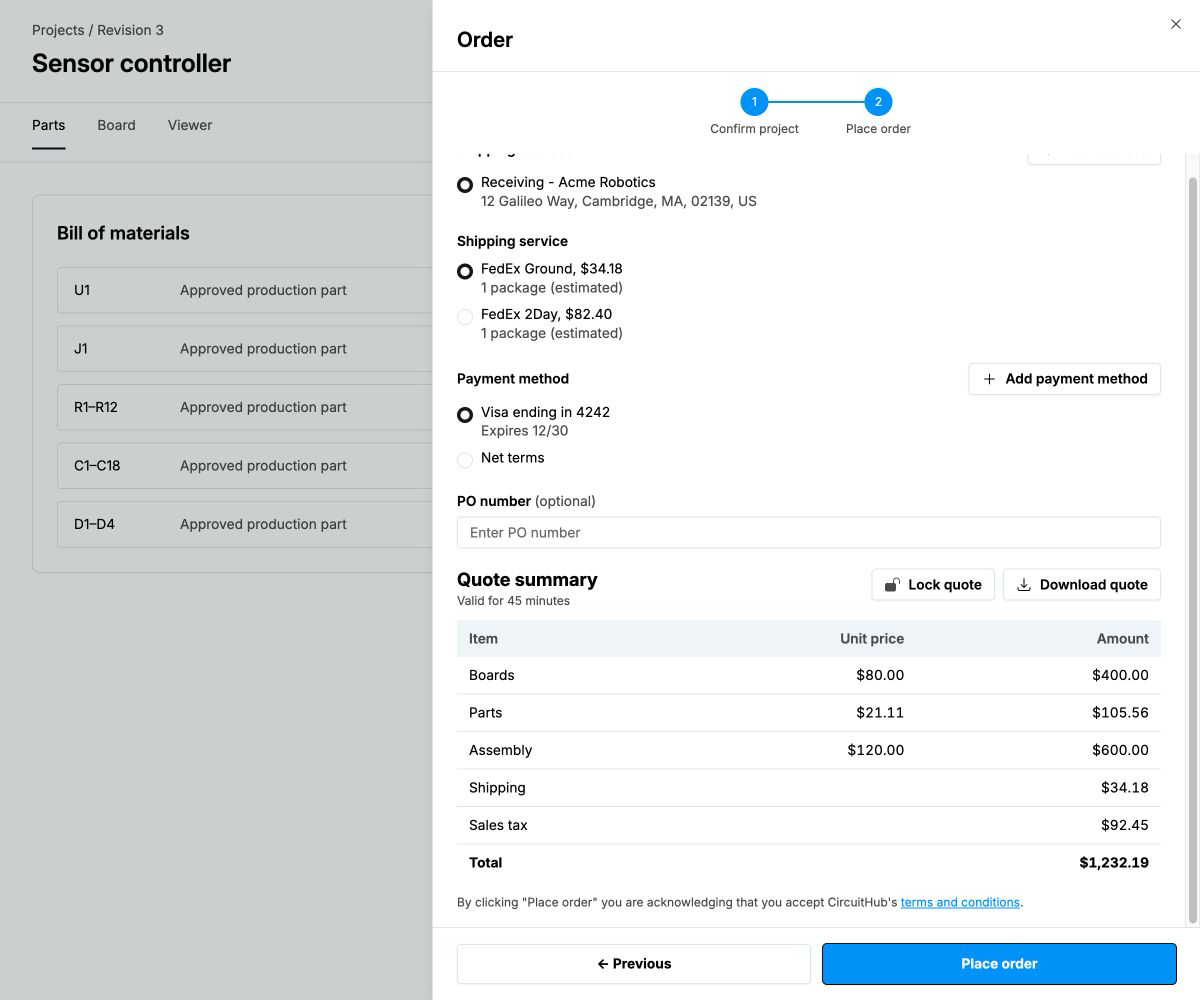
At checkout, confirm your shipping address, payment method, shipping service, optionally entered purchase order number, and final total, then select Place order.
Use the order page to follow production and delivery and respond to any questions from the manufacturing team.