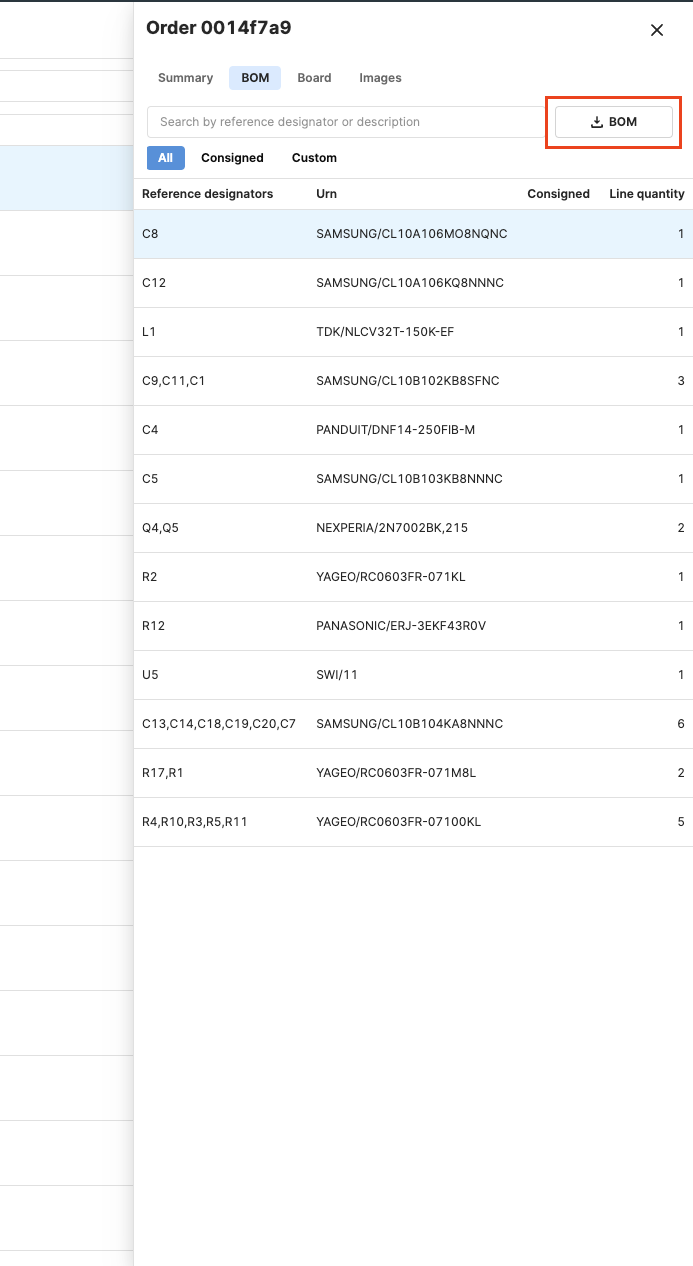
Export BOM from an order or project
How to download the BOM from a previously ordered project
You can download the Bill of Materials (BOM) for an order or project from the details drawer.
Projects
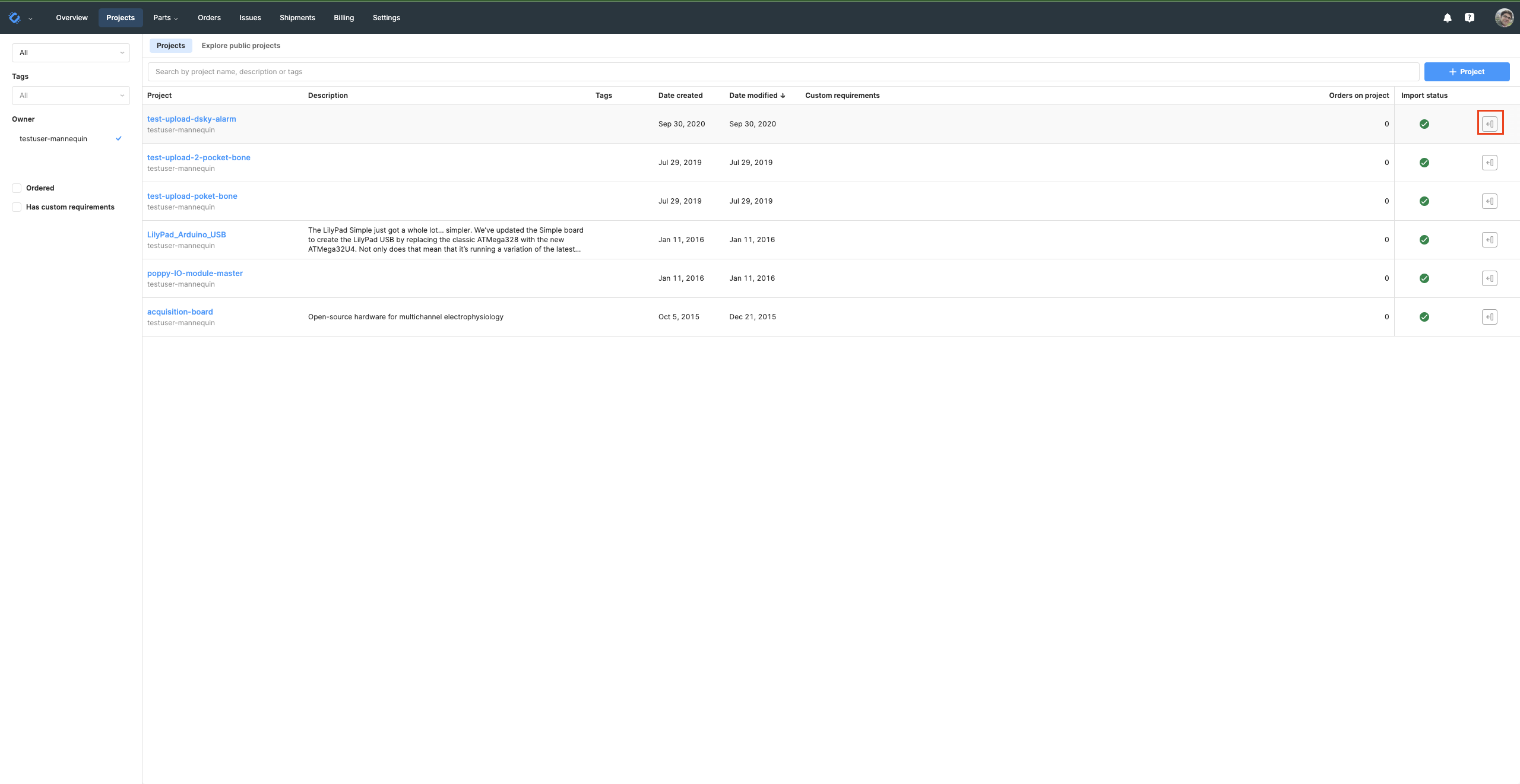
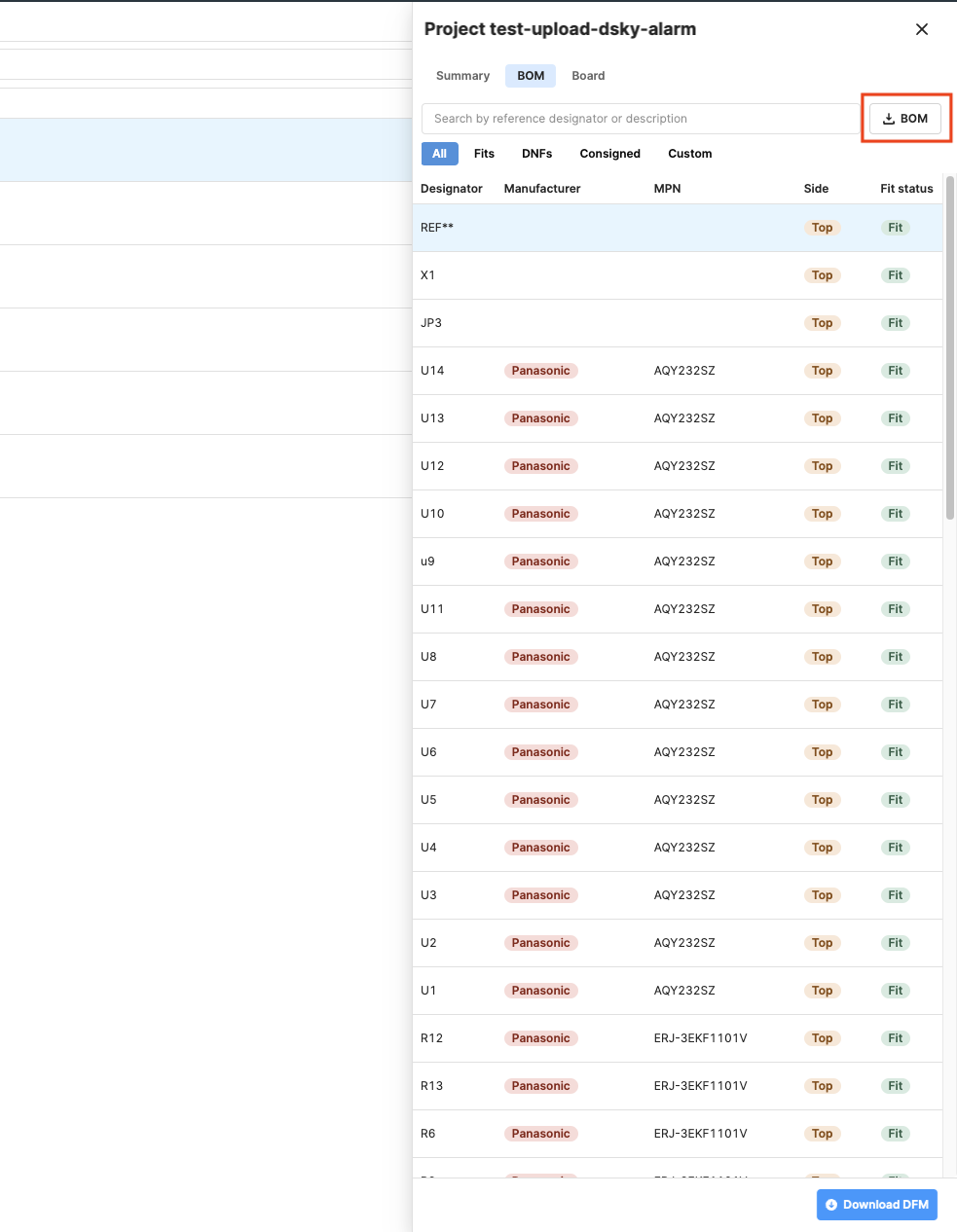
- Go to Projects and click the details button to expand the project details drawer.
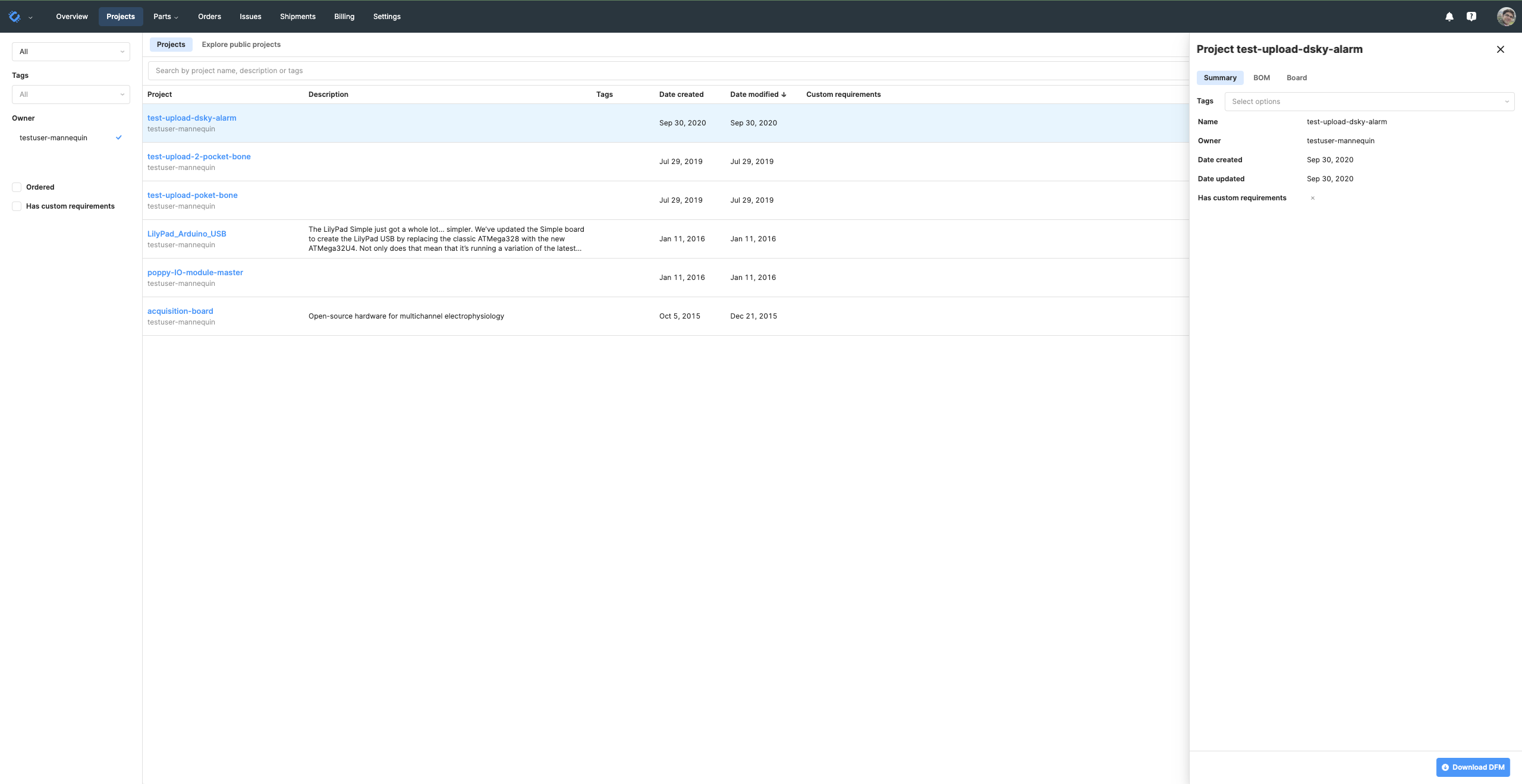
- Navigate to the BOM tab. Here, you can:
- View all parts, including placed and not fitted components.
- Filter and view consigned parts.
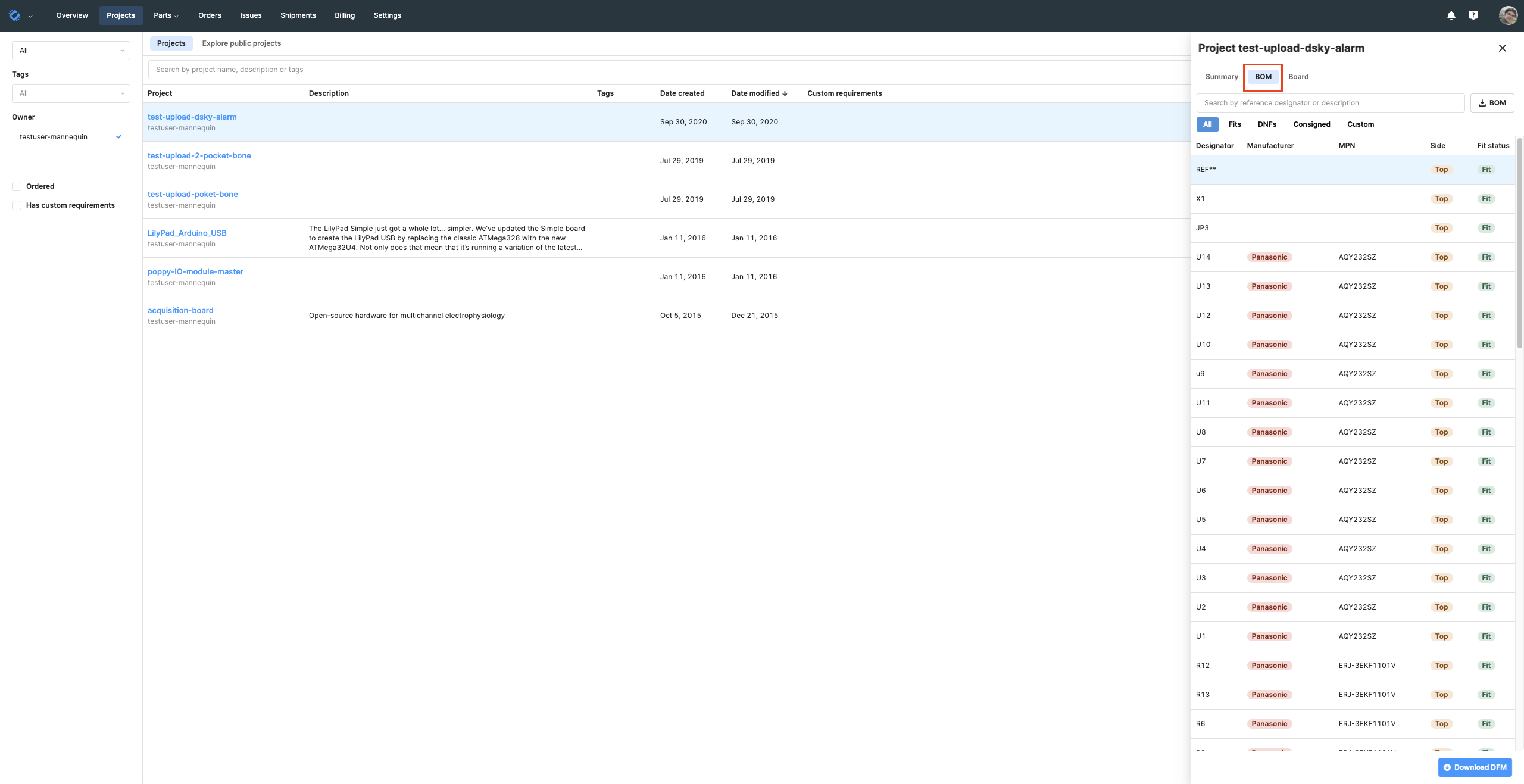
- Click "Download BOM" to export the project BOM as a .csv file.
Orders
- Go to the orders page and click the details button to expand the order details drawer.
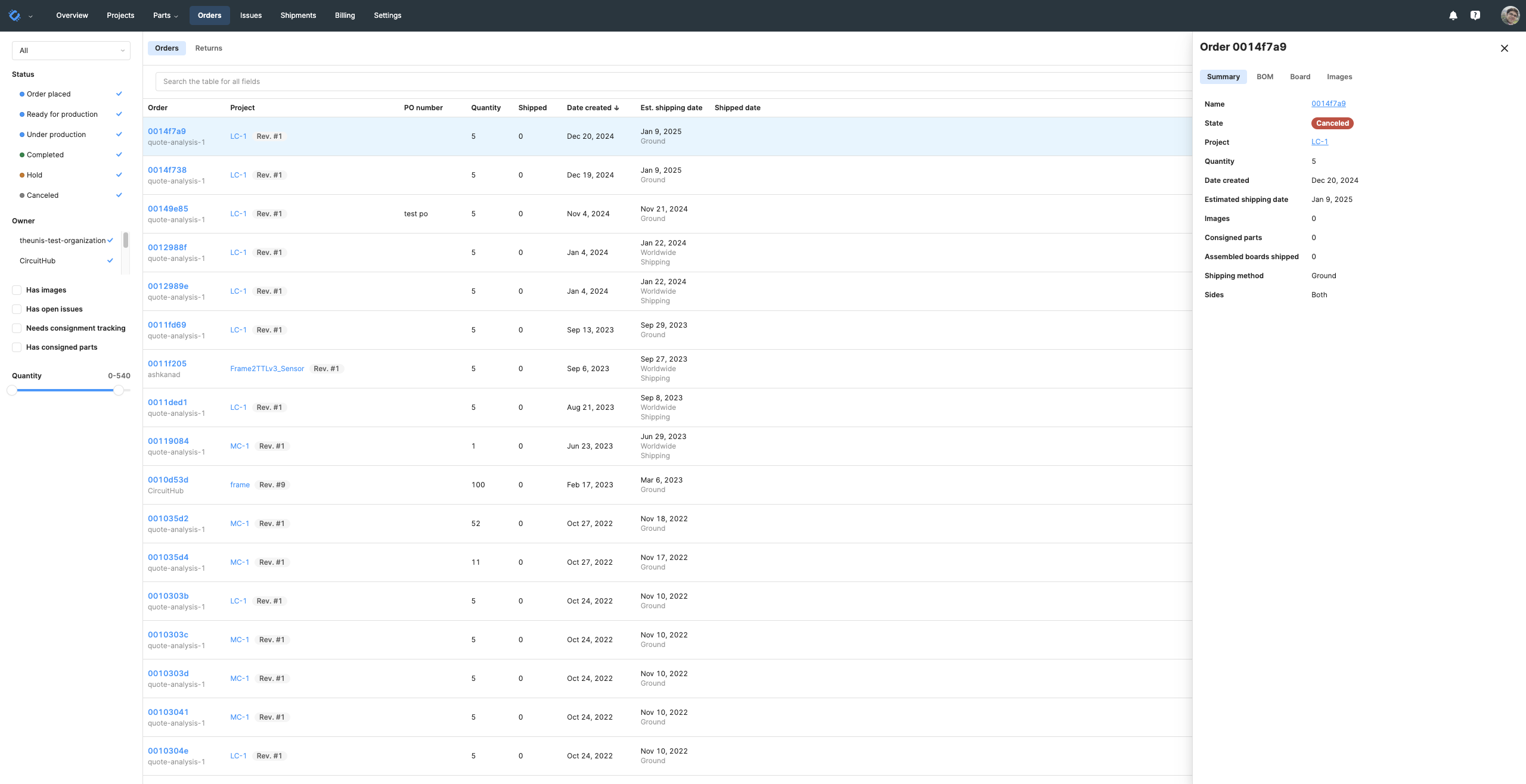
- Navigate to the BOM tab. Here, you can:
- View all parts, including placed and not fitted components.
- Filter and view consigned parts.
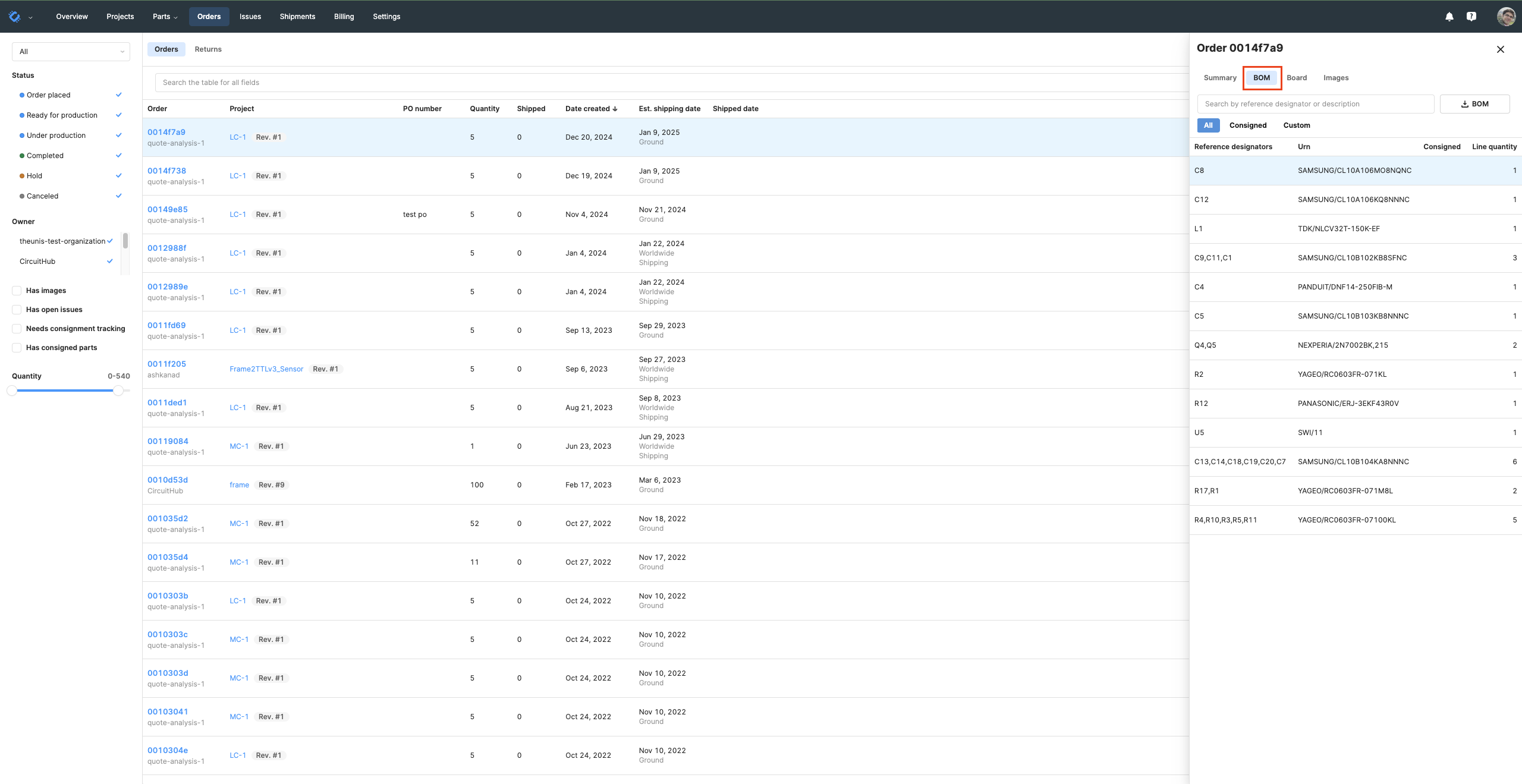
- Click "Download BOM" to export the order BOM as a .csv file.