

Specifying part numbers in EDA tools
How to annotate EDA symbols with manufacturer or distributor part numbers so CircuitHub can automatically reconcile BOM lines, which field names are recognized, and what is read from the Value field.
When you create a new project CircuitHub attempts to automatically reconcile each BOM line to a concrete part number.
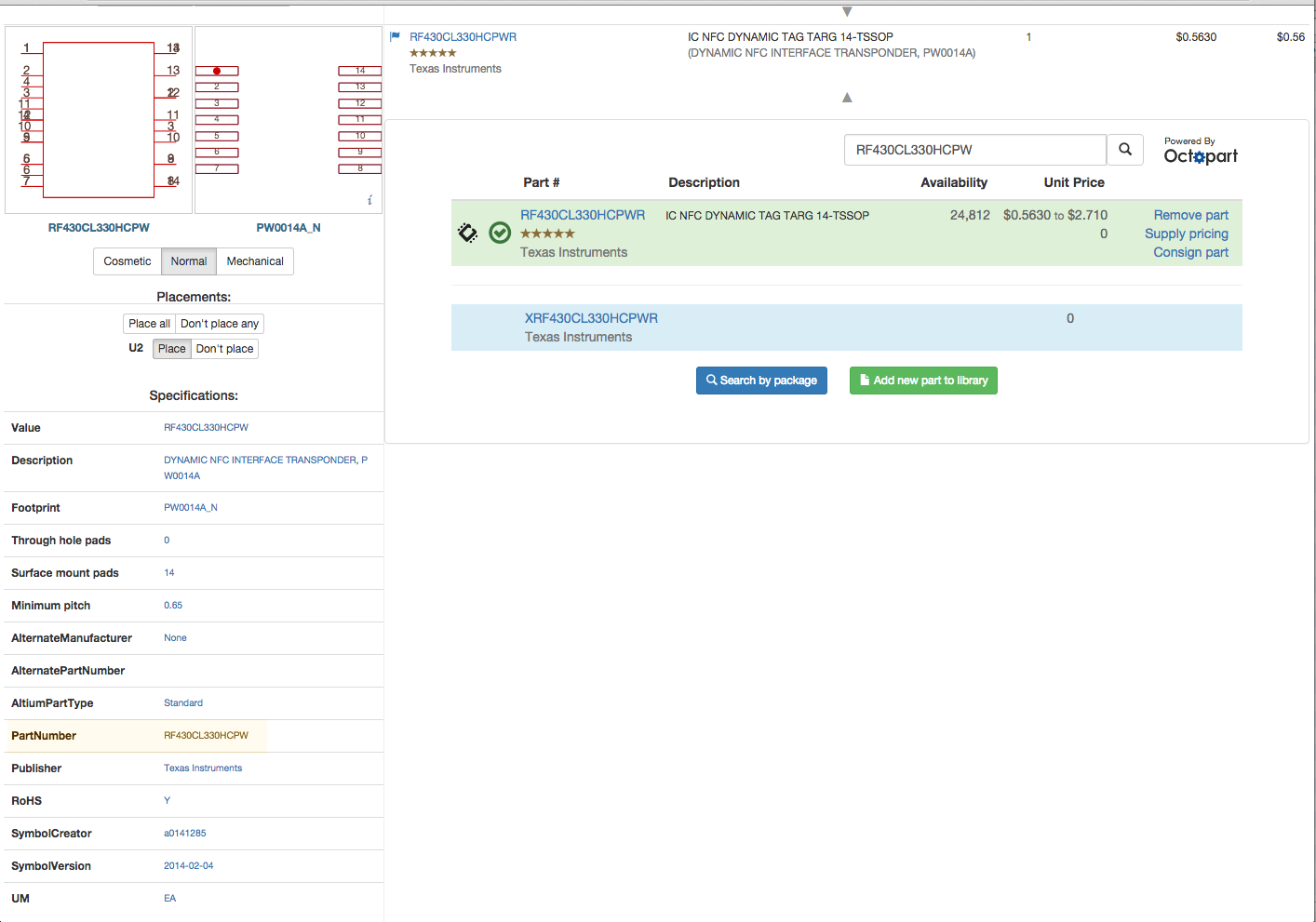
You can help the auto reconciliation process by specifying manufacturer and/or distributor part numbers in the attributes of the symbol in your EDA tool. CircuitHub then extracts these attributes and attempts to match a concrete part number.
Recognized attribute names
We match on the name of the attribute (field / parameter / property, depending on your tool). Matching is case-insensitive, and the multi-word names below can be written with spaces, with underscores, or run together: Manufacturer Part Number, Manufacturer_Part_Number and ManufacturerPartNumber are all recognized. If you are just starting to annotate your design with part numbers, please use ManufacturerPartNumber. Otherwise it is likely the name you already use will work. Some examples:
| Kind | Example attribute names |
|---|---|
| Manufacturer part number | ManufacturerPartNumber (recommended), MPN, Manufacturer Part Number, Manufacturer PN, Mfg Part Number, Mfr Part Number, MFG PN, PartNumber, Part Number, PN |
| Manufacturer name | Manufacturer, Manufacturer Name, Mfg, Mfg Name |
| Distributor part number | DPN, Distributor Part Number, Supplier Part Number, Vendor PN, or any name containing one of the distributors we recognize (DigiKey, Mouser, Farnell, Newark), for example DigiKeyPartNumber or Mouser Part Number |
- Adding a single digit (optionally after a space or underscore) lets you supply several part numbers for the same line, for example
ManufacturerPartNumber1andManufacturerPartNumber2. - Supplying the manufacturer name alongside the part number helps when the same part number is used by several manufacturers.
What is not read as a part number
We never extract part numbers from the general Description attribute. We still read the description for component characteristics (for example 10k 0603 1%), but a part number written there is treated as plain text and is never used to look the part up. Put it in a dedicated attribute such as ManufacturerPartNumber instead.
The Value attribute
If a BOM line has no recognized manufacturer part number attribute, CircuitHub falls back to using the contents of the Value attribute as a candidate part number, provided it is at least five characters long and not just a number.
This fallback exists because non-passive components (ICs, transistors, connectors, etc.) usually have no meaningful "value", and it is common practice to put the manufacturer part number there, for example Value = LM5030MMX.
For passive components, however, Value should hold the actual component value, such as 10k, 100nF or 4.7uH. We display it and, together with the description, use it to classify passives. Short or purely numeric values (for example 10k or 4700) are never tried as part numbers; a longer value such as 100nF is tried but will not normally match any part. If no part number is found we can still suggest a generic passive, but only when the Description (or another text field) names the part type and package, for example CAP 100nF 0603 50V; the value on its own is not enough. Give passives their part number in a ManufacturerPartNumber attribute rather than replacing the value.
When a recognized manufacturer part number attribute is filled in, Value is not considered as a part number at all (an empty attribute does not count). A distributor part number on its own does not switch the fallback off.
CSV BOM
We strongly advise including a .CSV BOM with your file upload. For more details, see here